1
Download the app
Click Download for Mac and open the downloaded file.
Download LagomVPN for Mac and start with 10 GB free. Choose a location and connect with an ad-free VPN that keeps no activity logs.
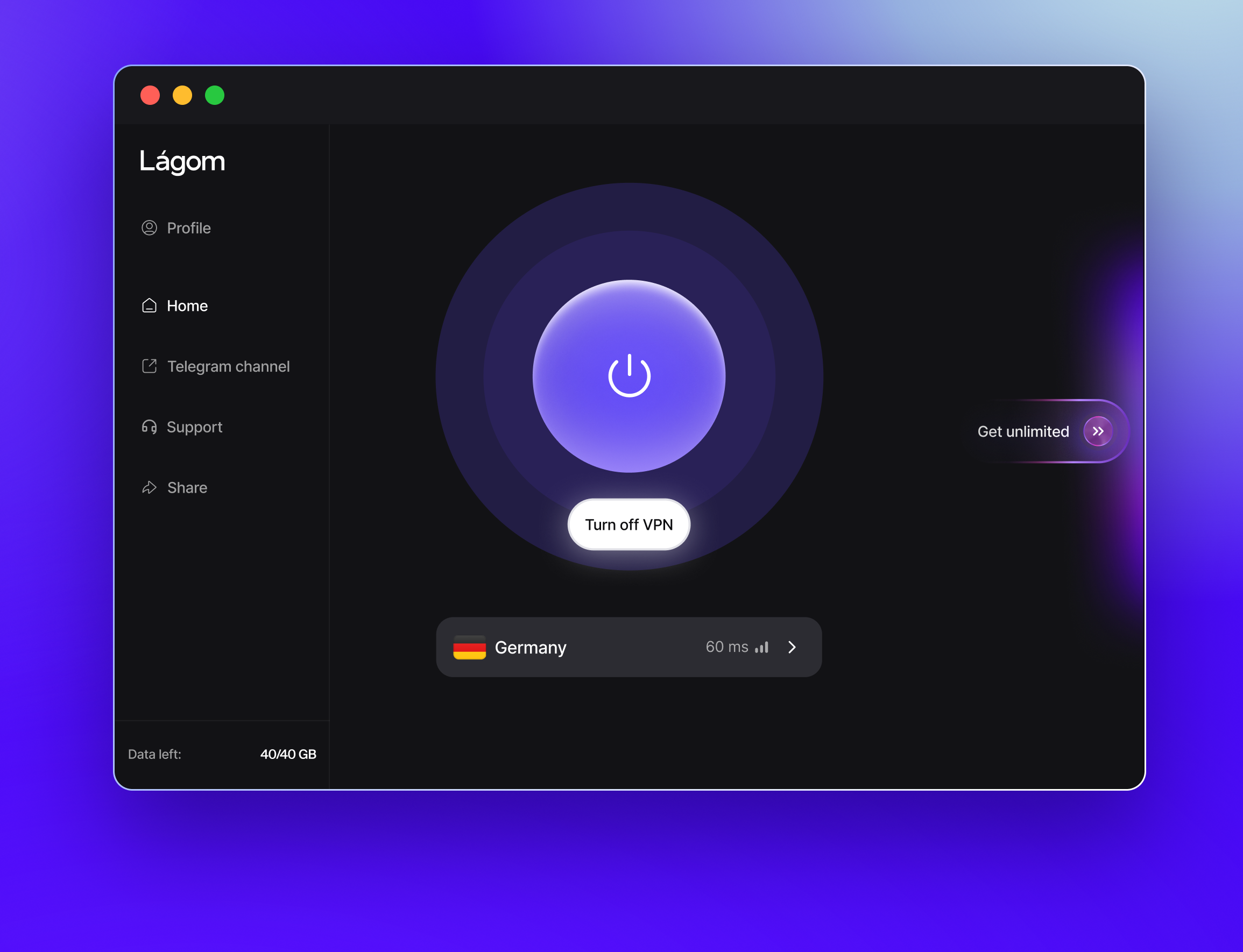
Get the app for your MacBook Air, MacBook Pro or iMac from the official LagomVPN site. One app for every Mac - the Free plan needs no account and no card.
Need help installing? Read the setup guide ↗
Version-
File size-
Works onMacBook and iMac
Step-by-step help: Read the setup guide ↗
Click Download for Mac and open the downloaded file.
Drag LagomVPN to Applications and open it. Allow the VPN configuration when macOS asks.
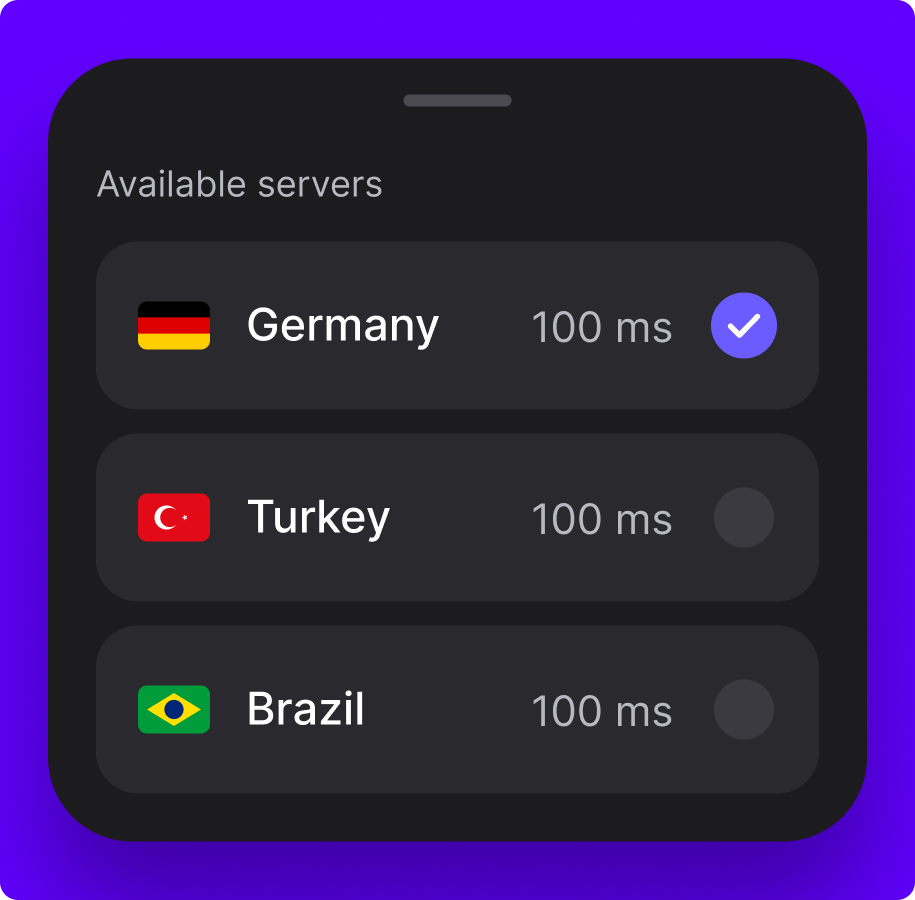
Choose one of the three free locations. Websites will see the IP address of that location.
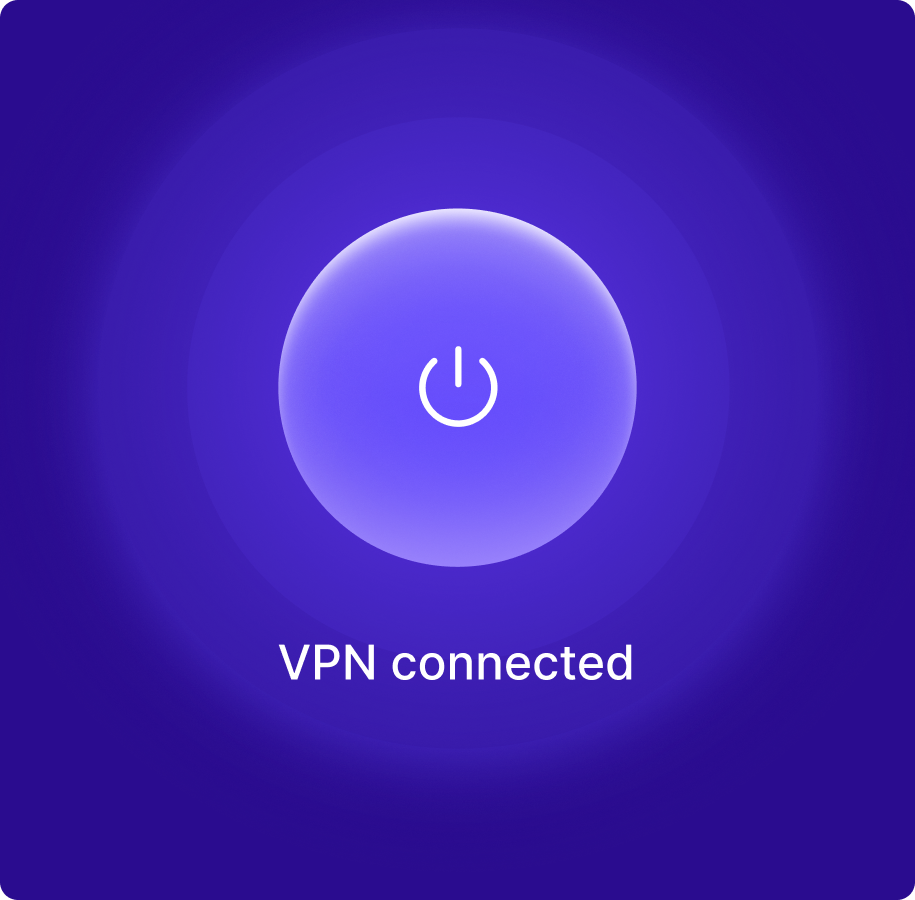
Press the connect button. When it says “VPN connected”, your connection is encrypted.
One macOS app covers every Mac - MacBook Air, MacBook Pro and iMac - with the same simple connection.

On café, hotel or airport Wi-Fi, your MacBook's traffic is encrypted on its way to the VPN server.

Your browser and Mac apps use the same encrypted connection while LagomVPN is on.

Pick a location and websites see its public IP address instead of yours.
How hiding your IP works ↗Your traffic travels through an encrypted tunnel to the VPN server.
3 locations on Free, every available location on PRO.
Keeps you connected on restricted networks where standard VPN protocols get blocked.
Strong encryption for everything you send and receive through the VPN.
If the VPN connection drops, traffic is blocked until it's back, so nothing slips out unprotected.
Choose which apps use the VPN and which connect directly. Coming soon.
Start with 10 GB free, then move to PRO for unlimited data and devices.
No card. No account needed to start
Wait, all this is free?Loading local price…
No activity logs, an encrypted connection and a Privacy Policy written to be read. Here's the short version.
We don't keep records of the sites you visit or what you do online.
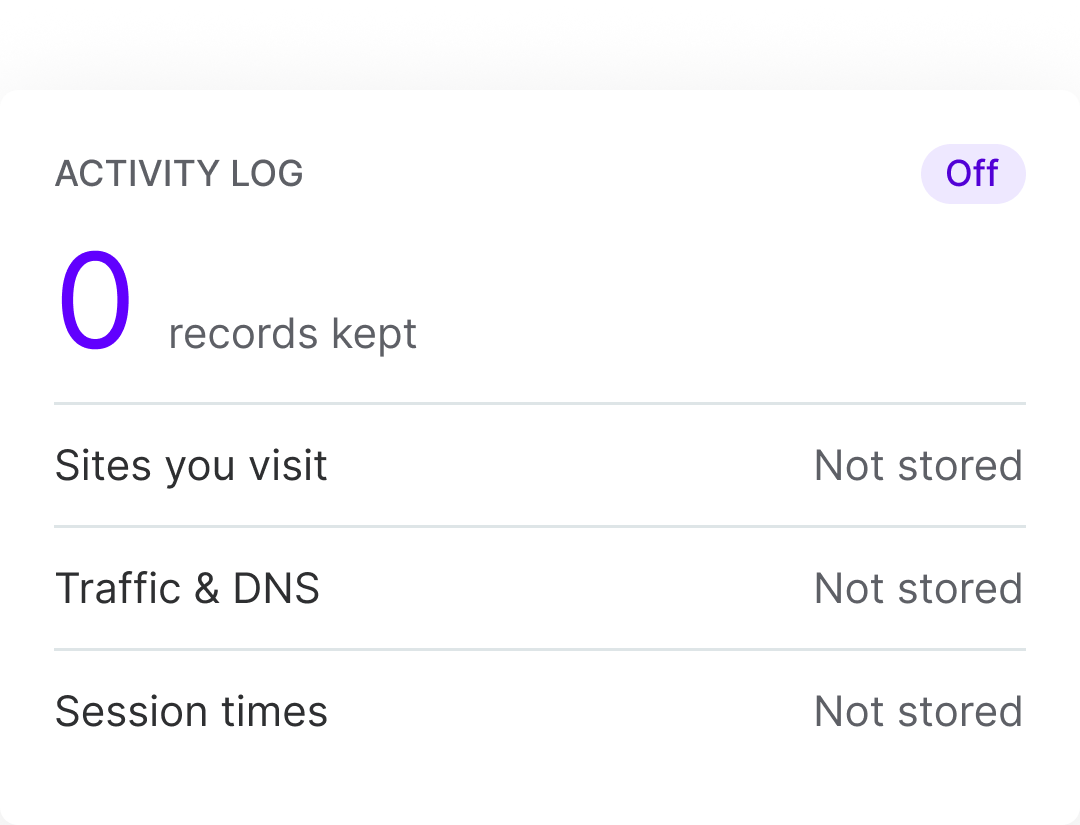
AES-256 protects the traffic between your Mac and the VPN server.

No banners and no 15-second videos before you connect.
Stuck on the first launch? Start with these quick answers or follow the full setup guide.
Read the setup guideOpen LagomVPN, pick one of the free locations and press connect.
Open the location list in the app, pick another location and connect.
Press the connect button again. The status changes to “Disconnected”.
Yes. The macOS app works on MacBook Air, MacBook Pro and iMac - one app for every Mac. Install it, pick a location and connect.
Download the app, drag it to Applications and open it. Allow the VPN configuration when macOS asks, pick one of the three free locations and click connect. Our setup guide shows every step.
Yes. Start with 10 GB free on one device, with three locations to choose from - no ads and no payment card.
Open LagomVPN and click the connect button again. The status changes to “Disconnected”.
Yes. While LagomVPN is connected on your Mac, Chrome traffic goes through the VPN too.
PRO adds unlimited data and unlimited devices on one account, all locations, Split Tunneling (coming soon) and priority servers.
Start with our setup guide - it covers the first launch step by step. If something still does not work, the Help Center has more answers.
10 GB to start. No ads, no logs, just a secure VPN that keeps working.

