LagomVPNVPN · FreeInstall
1
Install from Google Play
Find LagomVPN on Google Play and tap Install.
Download LagomVPN for Android and start with 10 GB free. No ads, no activity logs, and no card needed.
Install LagomVPN from Google Play - the official way to get the app on your Android phone or tablet. On a computer? Scan the QR code with your phone.
Need help installing? Read the setup guide ↗
VersionSee Google Play
PriceFree to download
Works onAndroid phones and tablets

 For Android phones and tablets
 Scan with your phone
Step-by-step help: Read the setup guide ↗
Find LagomVPN on Google Play and tap Install.
Open the app. You don't need an account to start on Free.
Android asks for permission to set up a VPN connection. Tap OK - it's a one-time system step.
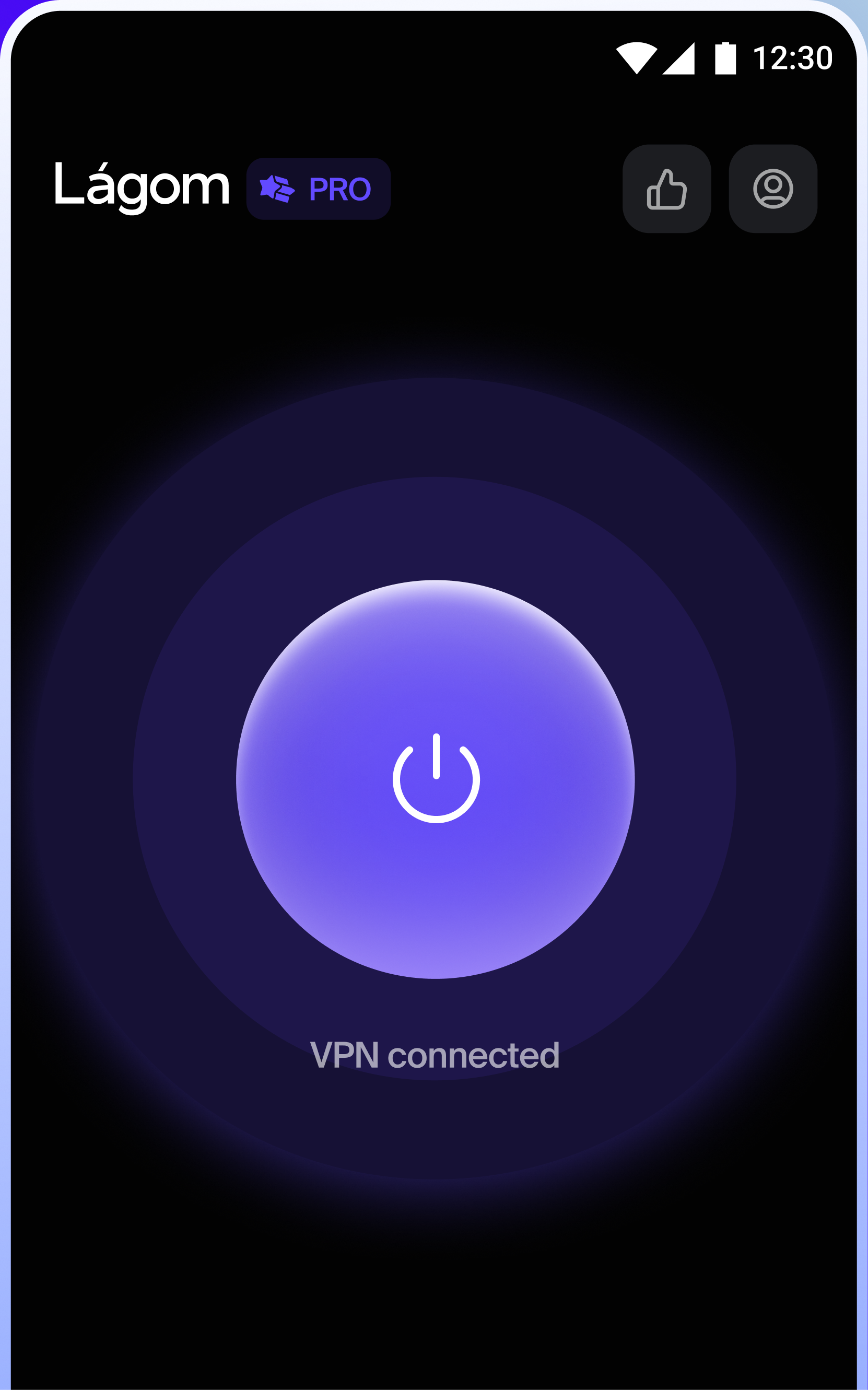
Choose one of the 3 free locations and tap connect. You'll see ‘VPN connected’.
Use LagomVPN on your Android phone wherever you go - and start on the Free plan.

In a café, hotel or airport, your traffic is encrypted on its way to the VPN server.

Traffic from Chrome and your other apps goes through the same encrypted connection.

10 GB, one device and three locations. No ads, no account and no card.
Your traffic travels through an encrypted tunnel to the VPN server.
3 locations on Free, every available location on PRO.
Keeps you connected on restricted networks where standard VPN protocols get blocked.
Strong encryption for everything you send and receive through the VPN.
If the VPN connection drops, traffic is blocked until it's back, so nothing slips out unprotected.
Choose which apps use the VPN and which connect directly. Coming soon.
Start with 10 GB free, then move to PRO for unlimited data and devices.
No card. No account needed to start
Wait, all this is free?Loading local price…
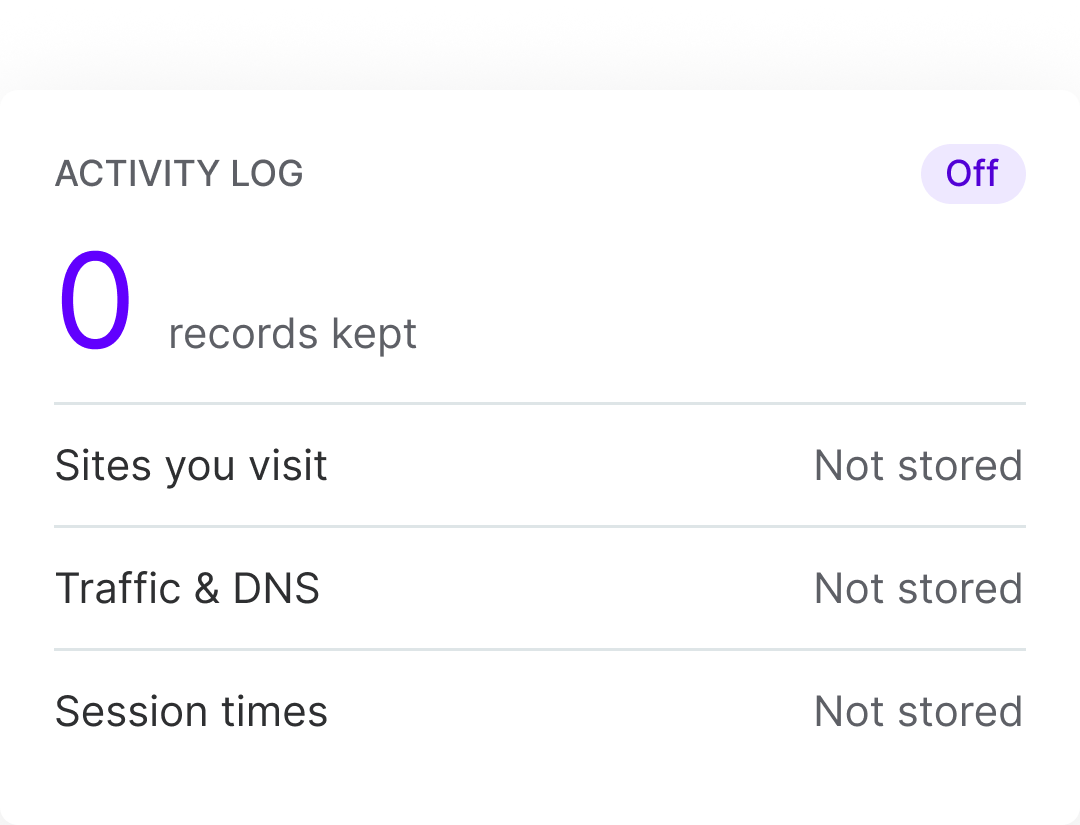
No activity logs, an encrypted connection and a Privacy Policy written to be read. Here's the short version.
We don't keep records of the sites you visit or what you do online.
AES-256 protects the traffic between your device and the VPN server.

No banners and no 15-second videos before you connect.
Stuck on the first launch? Start with these quick answers or follow the full setup guide.
Read the setup guideOpen LagomVPN, tap OK on the VPN request, pick a location and tap connect.
Open the location list in the app, pick another location and tap connect.
Tap the connect button again. The status changes to “Disconnected”.
Open Google Play, find LagomVPN and tap Install - or tap Get it on Google Play on this page. Then open the app, allow the VPN connection and connect.
Open LagomVPN and tap the connect button to turn the VPN on. Tap it again to turn it off.
Yes. You can start on Free without creating an account: 10 GB of data on one device, with three locations to choose from.
Android asks you to approve every VPN app before it can set up a VPN connection. Tapping OK lets LagomVPN send your traffic through its encrypted connection. You only do this once.
Free works on one device. With PRO you can use LagomVPN on unlimited devices with one account - including Windows, Mac and iPhone & iPad.
PRO adds unlimited data and unlimited devices on one account, all locations, Split Tunneling (coming soon) and priority servers.
Start with our setup guide - it covers the first launch step by step. If something still doesn't work, the Help Center has more answers.
10 GB to start. No ads, no logs, just a secure VPN that keeps working.

