Windows · Mac · Android · iPhone & iPadDownload LagomVPN
Download LagomVPN
for your device
Choose LagomVPN for Windows, Mac, Android, iPhone or iPad. Start with 10 GB free.
10 GB freeEnough to get started
No adsEven on the free plan
No card neededNo account either
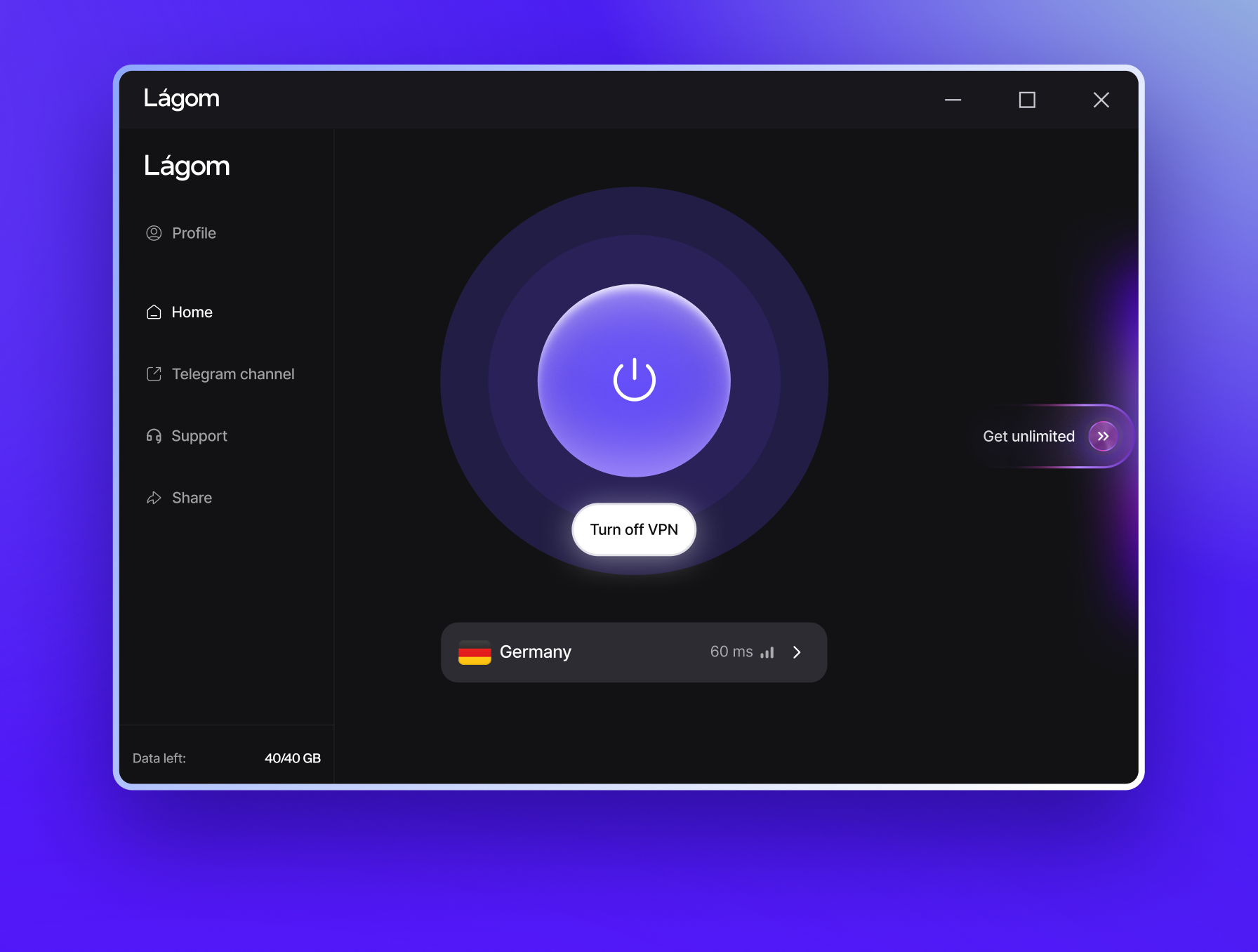
Choose the LagomVPN app
for your device
Each card opens the page for that version of the app, with requirements and setup steps.


How to download
and connect
Need a hand getting started? Read the setup guide ↗
1
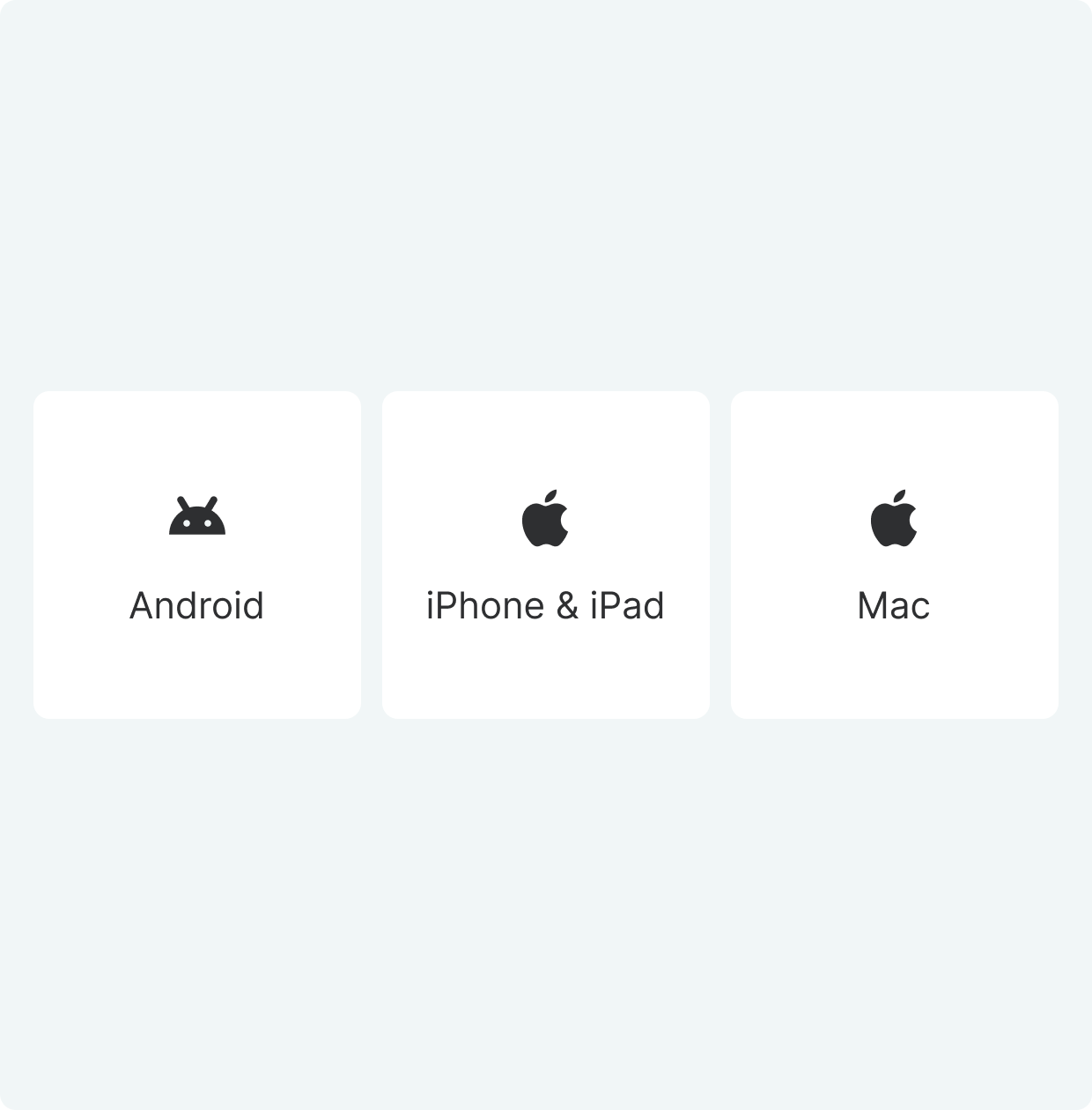
Choose your app
Pick Windows, Mac, Android or iPhone & iPad. Each card opens the right version of LagomVPN.
2
Download and open it
Install the app from its download page or your app store, then open it. Free needs no account and no card.
3
Pick a location and connect
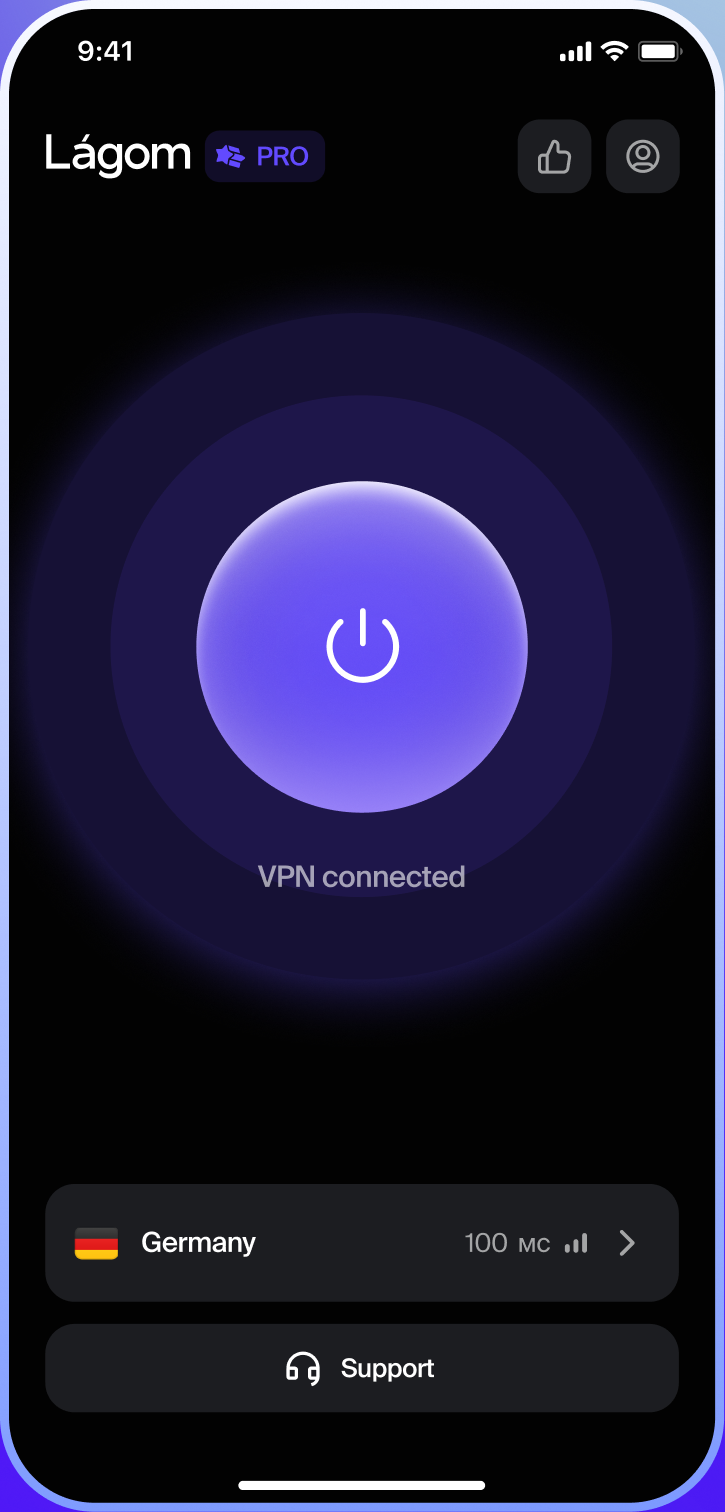
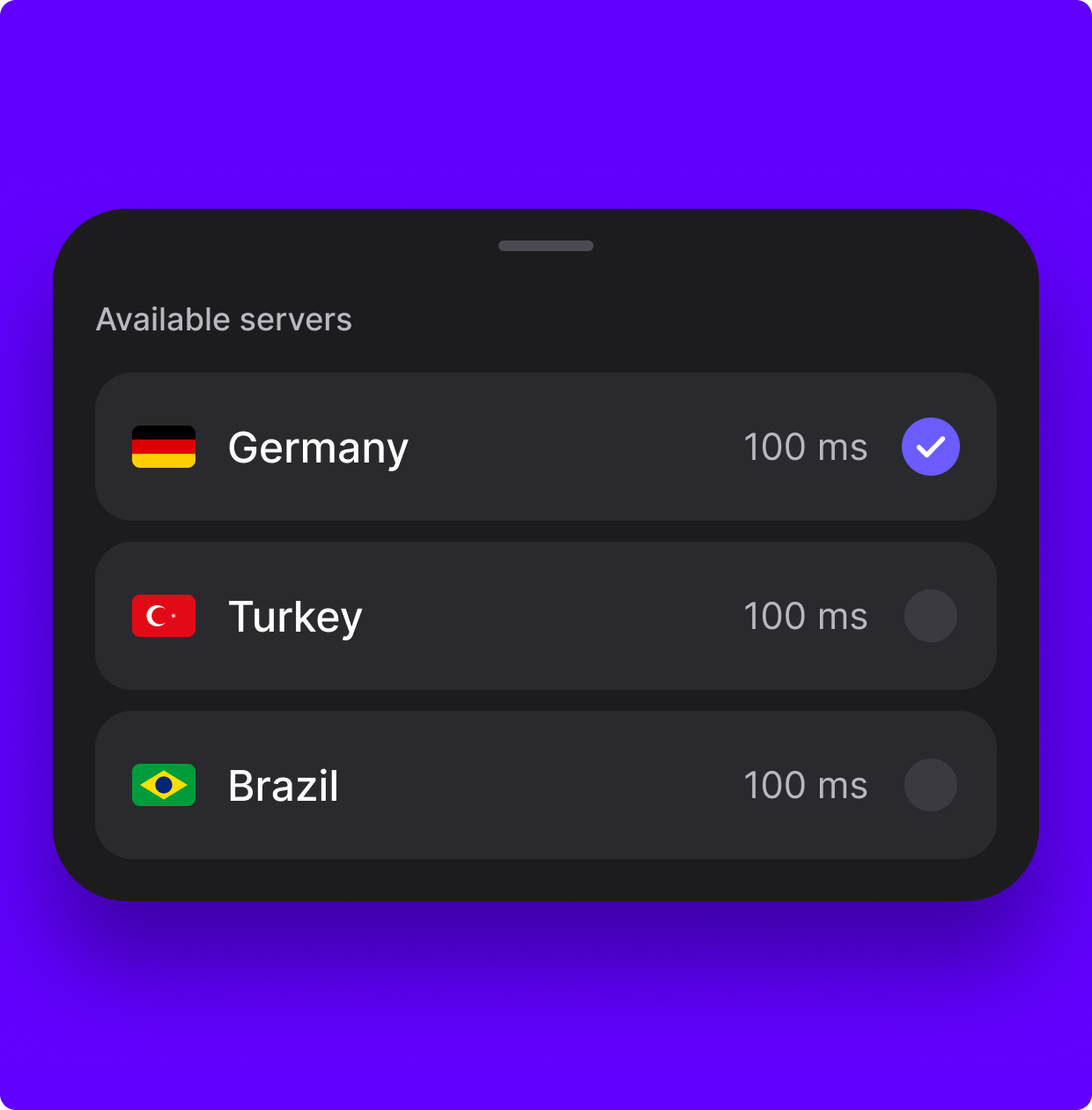
Choose one of the 3 free locations and tap connect. When it says “VPN connected”, you’re protected.
Start with
10 GB free
Free covers everyday browsing and messaging on one device. PRO removes the limits when you need more.
Free
$0/ 10 GB
No card. No account needed to start
Wait, all this is free?- ✓ 10 GB
- ✓ 1 device
- ✓ 3 locations to pick
- ✓ No ads. No trackers. No logs
- ✓ VLESS connection on strict networks
- ✓ AES-256
PRO · everything unlocked
-/ month
Loading local price…
- ✓ Unlimited data
- ✓ Unlimited devices for 1 account
- ✓ All locations
- ✓ Everything in Free +
- ✓ Split Tunneling (coming soon)
- ✓ Priority servers
A VPN app for your
everyday connection
LagomVPN encrypts the connection between your device and a VPN server, and changes the public IP address that websites see.
Browse privately
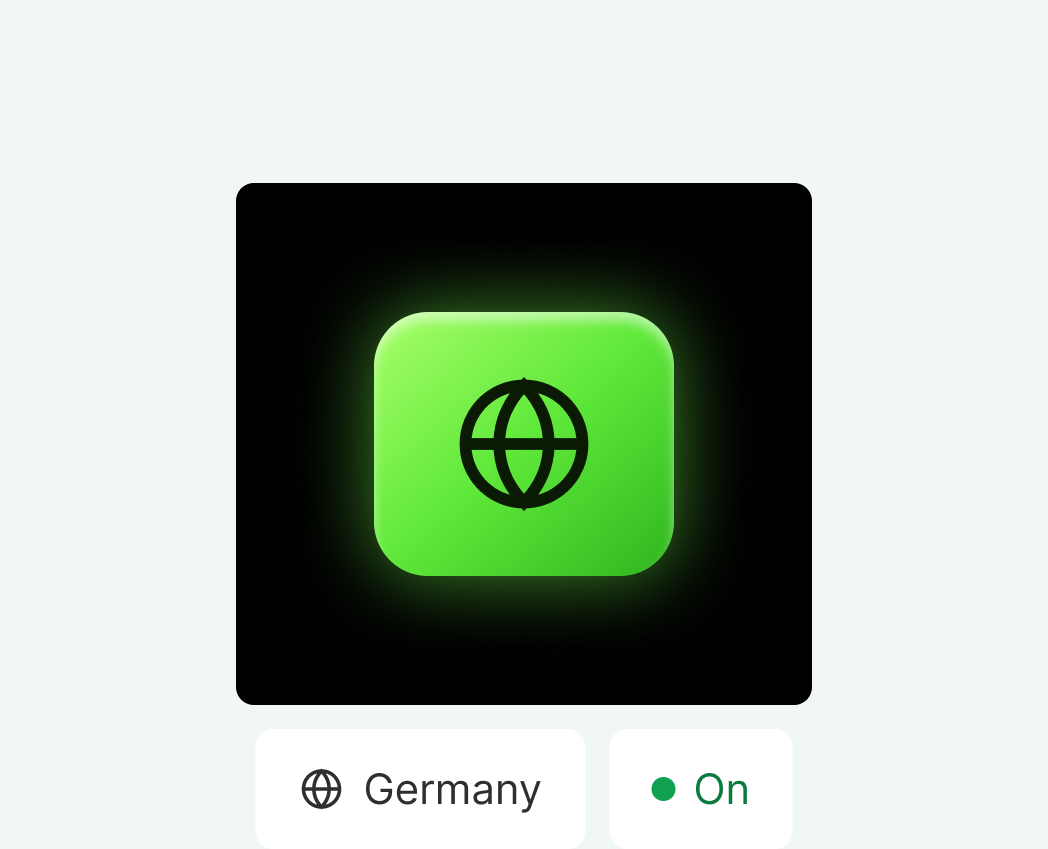
Websites see the IP address of the location you pick, not your own.
Safer public Wi-Fi
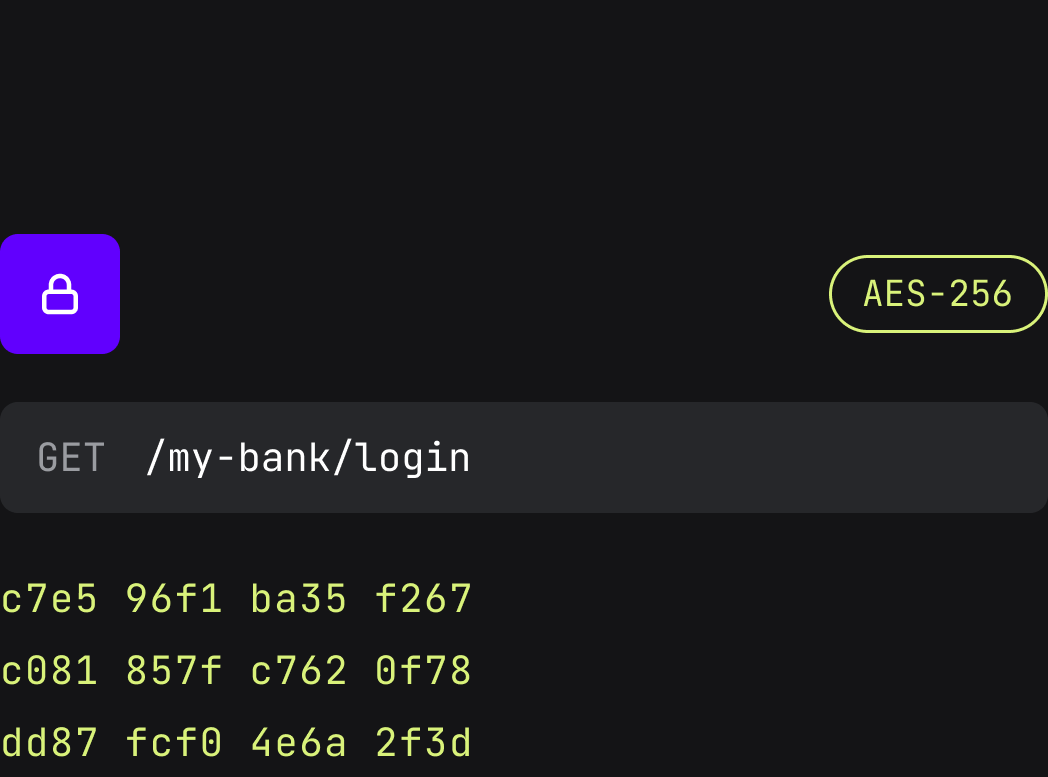
In a café, hotel or airport, your traffic is encrypted with AES-256 on its way to the VPN server.
Keeps working on strict networks
Where standard VPN protocols get blocked, LagomVPN uses VLESS to keep your connection accessible.
Privacy built
into LagomVPN
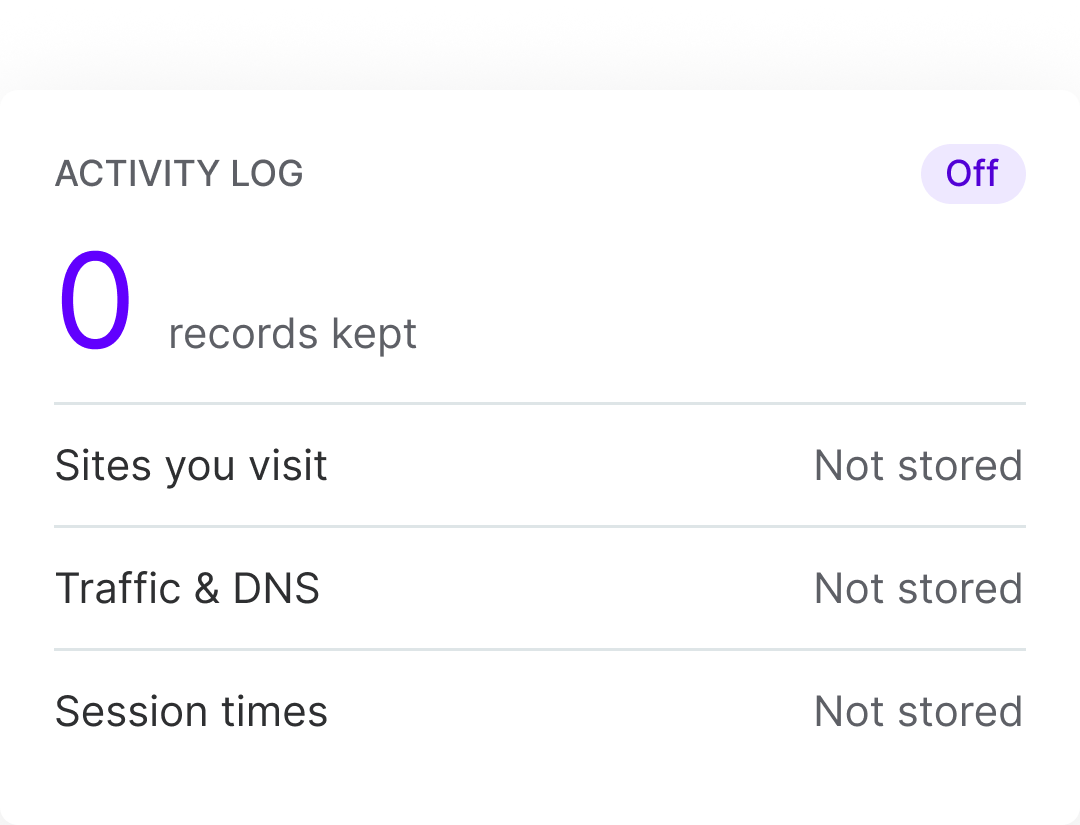
No activity logs
We don’t keep records of the sites you visit or what you do online.
No trackers
We don't follow your activity across the web or sell it to anyone.
No ads, even on Free
No banners and no 15-second videos before you connect.
Frequently asked
questions
Which LagomVPN app should I download?
On a computer, choose LagomVPN for Windows or Mac. On a phone or tablet, choose Android or iPhone & iPad. Each app card opens the download page for that version, with requirements and setup steps.
Can I download LagomVPN for free?
Yes. Every LagomVPN app is free to download, and the Free plan lets you use the VPN without paying: 10 GB of data, one device and three locations to choose from. There are no ads and no activity logs, even on Free. If you need more, PRO adds unlimited data, unlimited devices on one account and all locations.
Do I need an account or a payment card to start?
No. To start on Free, you don't need to sign up or add a payment card. Download the app, open it, pick a location and connect - that's it.
How do I install LagomVPN and connect?
Choose your device and download the LagomVPN app. Install and open it, then pick one of the three free locations and tap connect. When the app shows “VPN connected”, your connection is encrypted.
Can I use LagomVPN on more than one device?
The Free plan works on one device. With PRO, you can use LagomVPN on unlimited devices with one account.
Can I use LagomVPN with Chrome?
Yes. Install the LagomVPN app on your computer and connect: Chrome traffic then goes through the encrypted VPN connection, along with the rest of your device traffic.
Start with 10 GB free
No ads, no account, no card. Pick your device and get started.
Choose your device